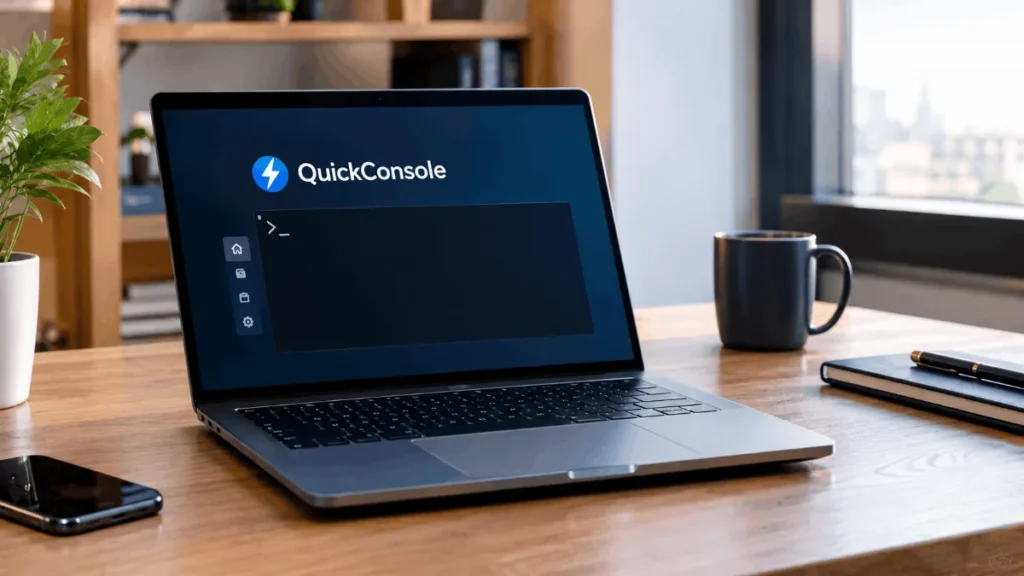

A January 2026 article describes Quikconsole. com as a centralized dashboard for entertainment devices, aimed at families juggling several game systems and parents managing screen time. A separate set of pages from late 2025 pitches the same name as a browser-based console management platform for developers and system administrators, with single sign-on, real-time monitoring, and cloud integrations.
A third description presents it as a gaming marketplace selling consoles, peripherals, and bundles. And one write-up openly says the name has a “dual identity,” either a content-rich website or a conceptual console management idea.
Notice what’s missing. None of these pieces come from a company page, a documentation site, a verified app listing or a named team. They share the same stock phrases, the same vague promises, and the same generic FAQ questions. In my experience, that pattern means the pages were produced to rank for a keyword, not to describe a real product.
Why the Descriptions Don’t Match
Low-quality sites often publish articles about any trending domain name, even when the writer has never used it. The practice is known as spamdexing, and it works by flooding search results with pages stuffed with a keyword. The writers fill in the gaps with whatever sounds plausible, which is how one name ends up as a gaming store, a server tool, and a parenting app.
You’ll also see claims like “after testing, we can confirm” with no screenshots, no pricing page, and no version numbers. That’s a red flag. If someone really used a platform, they can tell you what the sign-up screen looks like, what it costs, and what the support options are.
What tends to surprise people is how convincing this stuff sounds. Confident, tidy prose creates an impression of authority, even when the facts are invented.
What Can’t Be Confirmed
I couldn’t find an official source that establishes what quikconsole. com actually offers. That means I can’t responsibly tell you its pricing, whether it has a free tier, which devices or clouds it supports, how it handles your data, or whether its security claims are real. Several pages mention encryption and two-factor authentication, but that’s the kind of statement any site can make without proof.
I also can’t verify the site’s ownership, how long it has existed, or whether it has real customers. Anything you read that says otherwise should come with a link to something checkable, like a company registration, a published privacy policy, or independent user reviews on a major platform.
If a detail changes often or can’t be confirmed, the honest answer is that it’s unknown. That’s more useful than a polished guess.
How to Check Any Unfamiliar Website
You don’t need technical skills to do a basic background check. Start with the domain’s history. A WHOIS lookup shows when a domain was registered and sometimes who owns it, and ICANN’s domain lookup tool is a reliable place to run one. A brand-new domain with hidden ownership isn’t proof of anything, but it’s a reason to be careful with money or personal data.
Next, run it through Google’s Safe Browsing site status page to see whether the site has been flagged for malware or phishing. Look for a real privacy policy, terms of service, a business address and a working support contact. Then search for independent reviews on large, established platforms, and be skeptical of testimonials that appear only on the site itself.
One thing worth flagging is the payment method. If the site sells something, pay with a credit card or a service that offers buyer protection, never a wire transfer, crypto or gift cards.
Safe Habits Before You Click Anything
Don’t enter passwords, console account logins, payment details or personal IDs on a site you can’t verify. If it asks you to download software, stop, and only install apps from official stores or the vendor’s confirmed site.
Use a unique password for anything you do sign up for, along with two-factor authentication, so a leak doesn’t spill into your other accounts. The Cybersecurity and Infrastructure Security Agency publishes plain-language advice on phishing and account security, and it’s worth a skim if you’re not sure what to look for.
If something seems too good, such as unusually cheap consoles, free premium subscriptions or “guaranteed” access, assume it’s a trap until proven otherwise.
If You Already Used the Site
Don’t panic, but act quickly. If you entered a password, change it everywhere you’ve reused it. Turn on two-factor authentication for your email, banking and gaming accounts. Watch your card statements for charges you don’t recognize, and if you gave out card details, call your bank and ask about replacing the card.
If you suspect fraud, you can report it to the Federal Trade Commission’s consumer site. Keep screenshots and receipts, since they help with disputes. And run a malware scan if you downloaded anything.
I’d also check whether you granted any browser permissions, such as notifications, because sketchy sites often use them to push spam later.
If You Want What These Pages Describe
The interesting thing is that each of the four descriptions points to a real need, and there are well-established tools for each.
For managing a gaming household, the big console makers have built-in parental controls. Microsoft, Sony and Nintendo each offer family management settings and apps that let you set time limits and approve purchases, and they’re free with a console account.
For server or cloud management, the major cloud providers ship their own web consoles, and teams commonly use remote access tools with proper authentication and logging. Pick something with documented security practices and a named company behind it.
For buying consoles, stick with major retailers or the manufacturers. If you want used hardware, use platforms with buyer protection and ask about warranty and return terms.
My Verdict
I wouldn’t trust quikconsole com for anything involving money, logins or sensitive data until there’s solid proof of who runs it and what it does. The conflicting descriptions alone are reason enough to hold off. If the site turns out to be real and transparent, that evidence will be easy to find: a company name, a clear product page, pricing, documentation and independent reviews.
Until then, treat it as unverified. That’s not a claim that it’s a scam. It simply means nobody has shown you enough to justify your trust.