






Stephen Hawking Voice Generator Top Tools and Tips
If you’ve ever typed a sentence into a website and heard it come back in that flat, metallic, unmistakably robotic tone, you’ve used a stephen hawking voice generator. It’s one of the more oddly specific corners of the text-to-speech world, and it’s a lot more interesting than it looks on the surface.
What a Stephen Hawking Voice Generator Actually Recreates
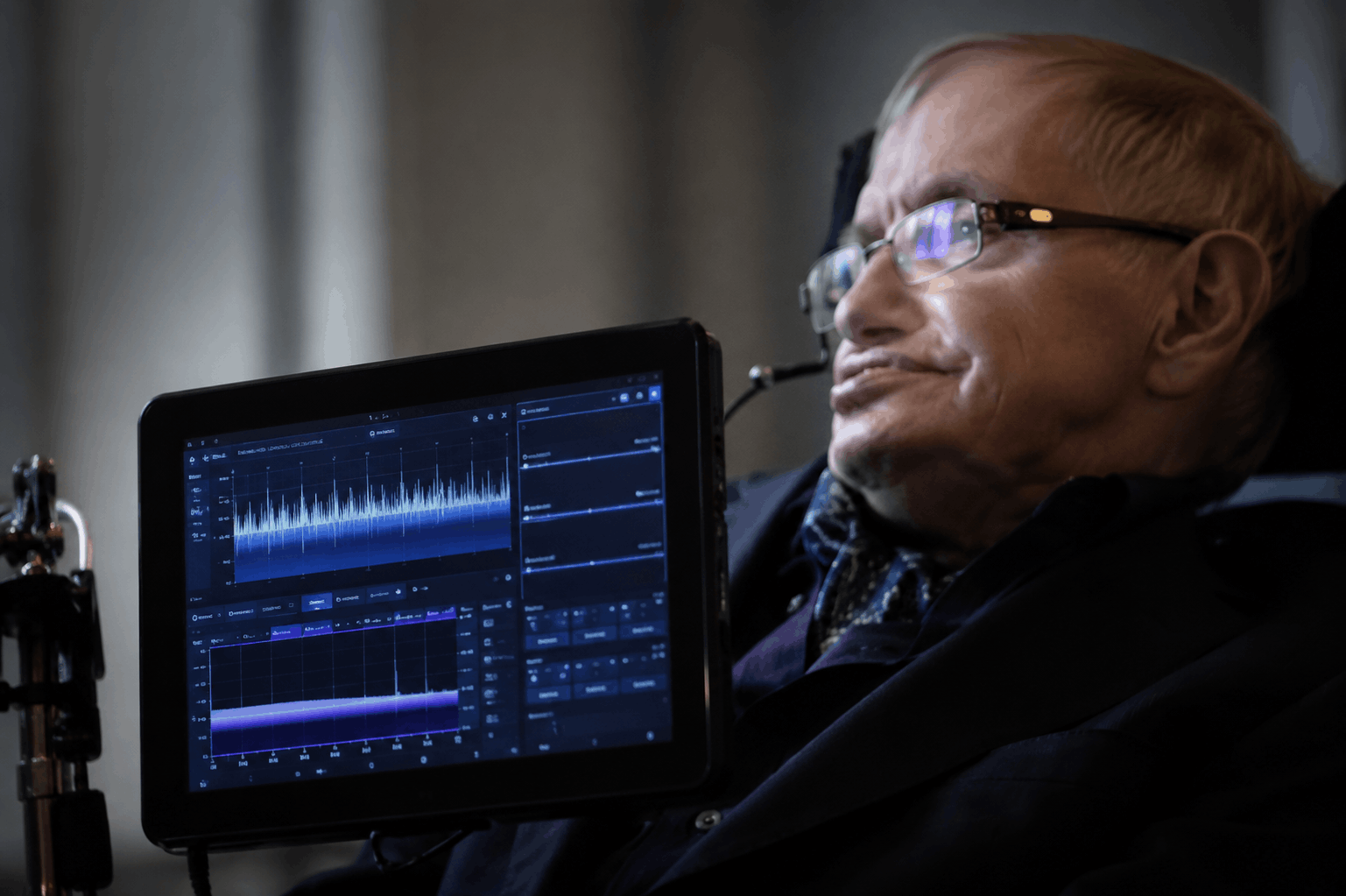
Here’s the part most people don’t know: Stephen Hawking’s voice wasn’t a recording of a human being at all. It was produced by a hardware speech synthesizer called DECtalk, built by Digital Equipment Corporation, using a specific preset voice nicknamed “Perfect Paul.” He started using it in the early 1980s after losing his natural speech to ALS, and he kept that exact voice for the rest of his life, even as newer, smoother-sounding options became available. He once said he’d identified with it too much to switch, which is part of why the sound became so tied to his public identity.
That matters for anyone trying to build or use a stephen hawking voice generator, because it explains why the voice sounds the way it does. DECtalk used something called Klatt formant synthesis, named after MIT researcher Dennis Klatt, which generates speech mathematically by modeling the human vocal tract rather than stitching together recorded audio clips. That’s a very different approach from how modern AI voice cloning works, and it’s the reason the original voice has that clipped, slightly metallic rhythm instead of sounding like a smoothed-out human impression.
Two Very Different Kinds of Tools Use the Same Name
Once you start searching, you’ll notice that “stephen hawking voice generator” gets used for two genuinely different technologies, and mixing them up is the most common mistake people make.
The first type uses formant synthesis, similar in spirit to the original DECtalk hardware. LingoJam’s Stephen Hawking generator is a good example. It runs on the eSpeak library, a JavaScript port of an open source formant synthesizer originally built by Jonathan Duddington. Type your text, hit generate, and it produces a WAV file with that classic robotic monotone. It’s free, it’s fast, and it doesn’t try to sound like a polished human voice because that was never the point.
The second type uses neural AI voice cloning, which trains a model on audio samples and tries to reproduce the acoustic texture of a specific voice. These tools tend to advertise things like “authentic accuracy” and “professional-grade audio,” and in my experience, that language is worth reading skeptically. Neural cloning is genuinely good at mimicking natural human speech patterns, but Hawking’s synthesizer voice was never natural to begin with. A neural model trained to sound “like Hawking” is really approximating a machine’s approximation of speech, which is a strange target, and the results can end up sounding closer to a generic robotic filter than the real thing.
Which Tools Are Actually Worth Trying
A handful of tools show up consistently when people look for this. None of them are officially affiliated with Hawking’s estate or with any organization connected to him, so treat all of them as fan-made or independent projects.
LingoJam’s version is the simplest option if you just want the classic formant sound without signing up for anything. There’s no account, no watermark to worry about, and you can download the WAV file right away. The tradeoff is that it’s fairly basic. You don’t get pitch control, speed adjustment, or export formats beyond WAV.
There are also newer browser tools built specifically around DECtalk-style Klatt synthesis, offering presets and adjustable pacing rather than a single fixed voice. These tend to sound closer to the real thing than AI clone tools do, simply because they’re using the same category of synthesis method Hawking’s actual device used.
How to Use In Cloning Platforms
On the AI cloning side, platforms like Vocalize let you generate text-to-speech in a “Stephen Hawking” voice option, and some even support converting an existing song’s vocals into that voice for parody covers. These are more flexible in terms of output style, and some offer pitch and reverb adjustments so the voice sits better in a music mix. Most operate on a freemium model, with character limits or lower audio quality on the free tier and paid plans unlocking longer scripts or commercial use rights. Pricing changes fairly often on these platforms, so check the official site for current tiers before assuming anything is free.
One thing worth flagging: several sites in this space are thin wrappers that repeat marketing language (“perfectly replicates,” “remarkable accuracy”) without much substance behind it. If a tool’s homepage reads like it was written to rank for keywords rather than to explain the tech, that’s usually a decent signal to be cautious about data privacy and audio quality claims.
How to Use One Without Wasting Your Time
The process is pretty similar across most of these tools, though the exact steps depend on which type you pick.
For a formant-style generator, you type your text into a box, hit generate, and download the resulting audio file. Start with a short sentence before pasting in a full paragraph. Longer text takes more processing time, and formant synthesizers can sometimes mangle unusual punctuation or abbreviations, so it’s worth listening to a short test clip first.
For AI voice cloning tools, you’ll usually pick the Hawking voice from a list of preset voices, type or paste your script, adjust speed and pitch if those options exist, then convert and download. Some platforms also support voice-to-voice conversion, where you upload a song or a recorded clip and the tool remaps it into the target voice. That process usually takes longer since it involves separating vocals from the instrumental first.
A mistake people make constantly: pasting in dense scientific or technical text and expecting perfect pronunciation. Both formant and neural systems can trip over acronyms, unusual names, and numbers written as digits instead of words. Spelling things out phonetically, or writing “seventy two” instead of “72,” usually fixes it.
Where This Actually Gets Used
People reach for a stephen hawking voice generator for reasons that are more varied than you’d expect. Science teachers use it to add a bit of personality to a physics lesson. YouTubers use it for astronomy explainer videos or as a recurring bit on gaming streams. Some people use it for genuinely respectful tribute content, referencing his lectures or public talks. Others use it purely for comedy, running unrelated song lyrics or absurd sentences through the robotic voice for laughs.
What tends to surprise people is how often accessibility conversations come up in this space too. Because Hawking’s synthesizer was originally an assistive communication device, some educators use these generators as a jumping-off point to talk about augmentative and alternative communication technology, which is a genuinely useful angle if you’re building lesson content around it.
Ethical Considerations Worth Taking Seriously
This is a case where a real person’s voice, tied closely to a serious medical condition and a specific public identity, is being recreated by strangers online, often for entertainment. That’s not automatically a problem. Hawking himself leaned into his synthesizer voice as part of his public persona for decades, and plenty of tribute and educational content is made with clear respect.
But a few boundaries are worth keeping in mind. Using the voice to fabricate quotes he never said and presenting them as real statements crosses into misinformation territory fast, especially if the clip gets shared out of context. Using it for parody, education, or clearly labeled comedic content is a different situation entirely. If you’re publishing anything using one of these tools, labeling it clearly as synthesized or AI generated is a low-effort way to avoid confusion down the line, and several platforms explicitly require this in their terms of use.
Who Should Use This, and Who Should Skip It
If you want a quick, free, recognizable robotic voice for a video, meme, or classroom project, the formant-based tools are the better fit. They’re faster, they’re free, and the sound is closer to the source material than most people expect.
If you need more polish, longer scripts, or the ability to convert an existing song into that voice, an AI voice cloning platform makes more sense, as long as you’re comfortable with account signups and possible subscription costs for extended use.
If your goal is a serious, broadcast-ready voiceover for a paid commercial project, I’d be cautious. Most of these tools are built by small independent developers or hobby projects, not licensed voice production studios, and none carry any official endorsement tied to Hawking’s name or legacy.
FAQs
Is a stephen hawking voice generator the same as his real voice? No. It’s a recreation of the synthesizer he used, either through similar formant synthesis technology or through AI voice cloning trained on recordings of that synthesized voice. Neither approach uses his natural human voice, since he lost the ability to speak decades before he passed away in 2018, as documented on his Wikipedia page.
Are these tools officially licensed? Most aren’t. They’re independent or fan-made projects, and pricing, features, and availability can change without notice, so it’s worth checking each tool’s current site before relying on it for anything time-sensitive.
Can I use the audio commercially? That depends entirely on the specific tool’s terms of service. Some allow personal use only on free tiers and require a paid plan for commercial rights. Don’t assume; read the terms before publishing anything monetized.
Why do some versions sound more “authentic” than others? Tools built on formant or Klatt-style synthesis tend to sound closer to the real DECtalk voice, since that’s the same underlying method Hawking’s device used. Neural AI clones can sound smoother, but they’re approximating a robotic voice using a fundamentally different technique, which sometimes produces a less accurate result despite fancier marketing.
Categories: Technology Tags: text to speech, voice generator, AI voice cloning, speech synthesis